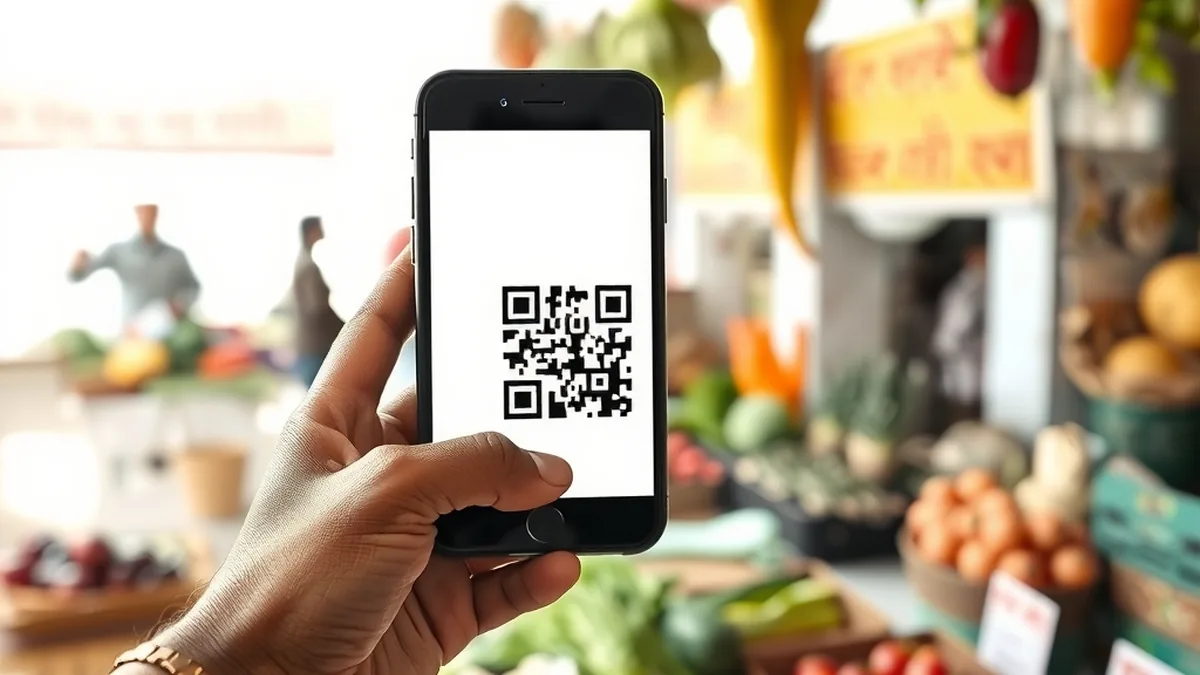
Your neighbour pays the vegetable seller by scanning a QR code, your mother splits the electricity bill with you from her phone, and your teenager tops up a metro card in seconds. All of it runs on UPI, the Unified Payments Interface built by the National Payments Corporation of India (NPCI) and regulated by the Reserve Bank of India. It moves money straight from one bank account to another, at any hour, using just a phone number, a QR code or an ID like name@bank.
That convenience is also why fraudsters love it. This guide explains how the system works, the current transaction limits, why your PIN matters, how collect-request and QR scams work, and what to do when a payment fails or you lose money. It also covers UPI Lite for small everyday payments. Limits and rules are taken from RBI and NPCI announcements; check your own app for the limits your bank applies.
How UPI works
When you set up a payment app, it links to your bank account using the mobile number registered with your bank. You get a virtual payment address, or UPI ID, that others can use to pay you without knowing your account number. Behind the scenes, NPCI’s network passes the request from your app to your bank and on to the other person’s bank, and the money moves in real time.
There are two kinds of payment:
- Person to person (P2P): you send money to a friend or relative.
- Person to merchant (P2M): you pay a shop, a website, a hospital or a utility, usually by scanning a QR code or approving a request at checkout.
Before you pay, the app shows the name registered against the receiver’s account. RBI notes that UPI lets you check the receiver’s name before you pay, so read the name every time; if it does not match the person or shop you expect, stop and confirm by phone or in person.
One account can be linked to several apps, and one app can hold several accounts. Every payment, whichever app you use, is authorised by the same PIN tied to that bank account.
UPI transaction limits in 2026
RBI sets the broad framework and NPCI fixes the detailed limits. Person-to-person transfers are capped at ₹1 lakh per transaction, and RBI said in April 2025 that this cap would continue. Payments to merchants are also capped at ₹1 lakh, except for specific categories where NPCI allows more. Your bank can set lower internal limits within NPCI’s ceilings, so the limit in your own app may be smaller than the figures below.
From 15 September 2025, NPCI raised merchant limits for several categories. These are the main ones, as reported when the change was announced:
| Payment type | Per transaction | Per day |
|---|---|---|
| Person to person | ₹1 lakh | As set by your bank |
| Capital markets, insurance, travel, loan repayment, Government e-Marketplace | ₹5 lakh | ₹10 lakh |
| Credit card bill payment | ₹5 lakh | ₹6 lakh |
| Jewellery | ₹2 lakh | ₹6 lakh |
| Opening a term deposit digitally | ₹5 lakh | ₹5 lakh |
| Most other merchant payments | ₹1 lakh | As set by your bank |
| UPI Lite | ₹1,000 | Wallet balance up to ₹5,000 |
Limits change from time to time, so treat this table as a guide and check the limit shown in your app before a large payment. For big sums such as a property deposit, NEFT or RTGS from net banking is often simpler.
Your UPI PIN: the one thing never to share
Your UPI PIN works like a signature on a cheque. Every payment that takes money out of your account needs it, except small UPI Lite payments. Your bank will never ask for it, nor will NPCI, the app’s support team, a delivery company or the police.
The most useful rule to remember: you never need your PIN to receive money. If anyone says you must enter your PIN, scan a code or approve a request to get a refund, a prize or a payment for something you are selling, it is a fraud. Entering the PIN always sends money out.
A few habits keep your PIN safe:
- Set it yourself in your app; do not let a shopkeeper or a stranger “help” you.
- Do not write it on the phone cover or save it in your notes app.
- Change it at once if you think someone saw it.
- Use a screen lock on your phone, so a lost phone is not an open wallet.
Collect requests and common scams
A collect request is a “pull” payment: the other side asks for money and you approve it with your PIN. Fraudsters misused it so widely, sending requests disguised as refunds or prizes, that NPCI told banks and apps to stop processing person-to-person collect requests from 1 October 2025, according to news reports of its July 2025 circular. Merchants can still send collect requests for genuine purchases, such as when you choose to pay at checkout on a shopping or travel site. So if a private person seems to be “requesting” money from you through an app today, be doubly careful.
Scams to recognise
- “Scan this QR to receive money.” A buyer on a second-hand selling site sends a QR code and says scanning it will credit your payment. Scanning a QR code and entering your PIN pays them instead.
- Fake customer care. You search online for a helpline, call a number posted by fraudsters, and they ask you to install a screen-sharing app or share an OTP “to fix the problem”. They can then see everything you type.
- “Sent to you by mistake.” Someone claims they paid you wrongly and begs you to return it. Sometimes the first message is a fake SMS with no real credit. Check your bank balance, not the message, and let the bank handle genuine reversals.
- Urgent bill or KYC threats. A message says your power will be cut tonight or your account blocked unless you pay or update KYC through a link. Pay only through official apps and websites you open yourself.
- Too-good offers. Cashback, lottery or job offers that need a small “registration fee” first.
If you lose money to fraud: act within hours
Speed decides whether money can be recovered. Do these immediately:
- Call the national cyber crime helpline 1930, which is available 24 hours a day, or report on the National Cybercrime Reporting Portal at cybercrime.gov.in, where you can also track your complaint.
- Inform your bank through its official helpline or app and ask it to block UPI on the account.
- Raise a complaint in the payment app with the transaction ID.
- Keep screenshots of messages, numbers and transaction details.
RBI’s customer protection rules decide how much loss you bear. If an unauthorised transaction happened because of a breach elsewhere in the system, not your fault and not the bank’s, and you report it within three working days of the bank’s alert, your liability is zero. Report it within four to seven working days and your liability is limited. But if the loss happened because you shared your PIN or OTP, you bear the loss until you report it. Once you report, the bank must credit the disputed amount to your account within 10 working days, and it must resolve the complaint within 90 days.
Failed payments, disputes and refunds
Sometimes money leaves your account but the payment does not go through. RBI has fixed turnaround times for such failures, with automatic compensation if banks are late:
| What went wrong | Deadline for reversal | Compensation if late |
|---|---|---|
| Money debited, but the receiver’s account not credited (P2P) | Auto reversal by T + 1 day | ₹100 per day beyond T + 1 |
| Money debited, but the merchant did not get confirmation | Auto reversal within T + 5 days | ₹100 per day beyond T + 5 |
Here T is the day of the transaction, counted in calendar days. The compensation is meant to be credited to your account on its own, without you having to claim it.
If the reversal does not arrive, raise a dispute in your app first, then with your bank. If the bank does not fix it, you can complain to RBI under its Integrated Ombudsman Scheme through RBI’s online complaint portal. A dispute about a product you bought, such as a shirt that never arrived, is different; that is a matter with the merchant, though the app can help you contact them.
UPI Lite and UPI123Pay
UPI Lite is a small on-device wallet inside your payment app, meant for everyday payments like tea, auto fares or groceries. You load it from your bank account, and small payments go from the wallet without entering your PIN each time. Since RBI’s December 2024 update, each UPI Lite payment can be up to ₹1,000, and the wallet can hold up to ₹5,000 at any time. Topping it up from your bank needs your PIN, and you can choose auto top-up when the balance falls low.
Because UPI Lite payments skip the PIN, treat the wallet like cash in your pocket: keep only what you need for the week. If you lose the phone, the wallet balance is at risk, so lock your phone and tell your bank quickly.
UPI123Pay lets people with basic feature phones use UPI without a smartphone or internet data. RBI raised its per-transaction limit to ₹10,000 in October 2024.
Both products are handy for small spends. If you are tracking where your money goes each month, compare your total UPI spending with your budget once in a while; small taps add up.
Key takeaways
- Person-to-person UPI payments are capped at ₹1 lakh per transaction; some merchant categories allow up to ₹5 lakh.
- You never need your PIN to receive money; entering it always sends money out.
- Person-to-person collect requests were reported stopped from 1 October 2025, so treat any “request” from an individual with suspicion.
- Report fraud at once on 1930 or cybercrime.gov.in and to your bank; reporting within three working days can keep your liability at zero.
- Failed P2P payments must be reversed by T + 1 day, merchant payments within T + 5, or the bank pays ₹100 a day.
- UPI Lite allows payments of up to ₹1,000 from a wallet holding up to ₹5,000.
This is general information, not personal advice. NPCI and banks update limits and features often, so check your app and your bank’s notices for the latest rules.